Preparing your workspace
Loading securely
ScanMint Help
Guided answers · not AI
Practical guides and product updates for scanning, signing and organizing documents on your phone.
How to Create a QR Code with ScanMint AI: Step-by-Step Guide Want to know how to Create a QR code with your smartphone?
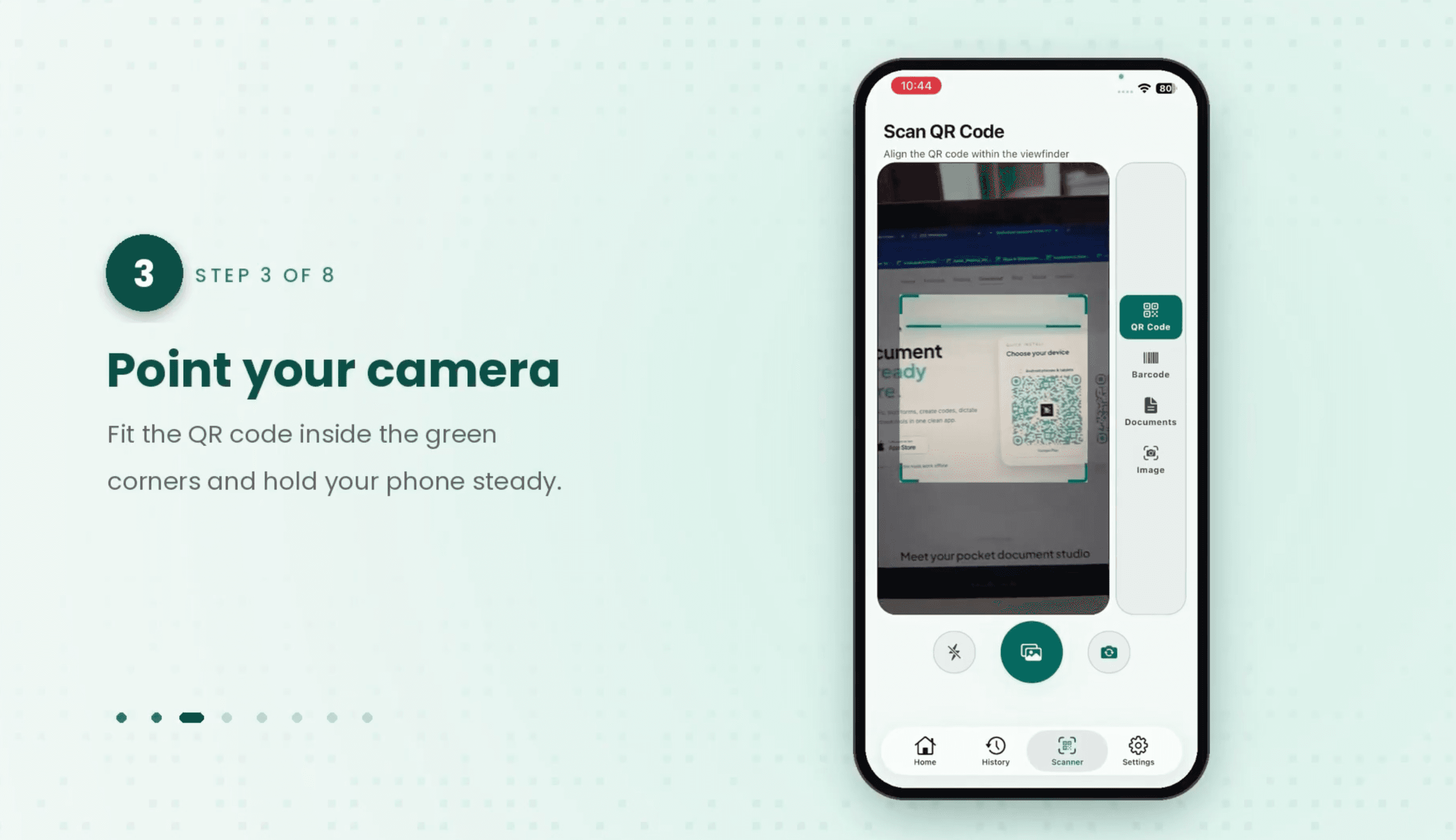
Learn how to scan QR codes quickly and easily with ScanMint AI! Follow our simple step-by-step tutorial to scan QR codes. open ScanMint AI App
What makes a scanner app actually free?A free download is not the same as a free app. Before you install, check these five things:No watermark. A logo stamped on every page makes a PDF useless for job
ScanMint AI vs CamScanner: Which Scanner App Wins?Hunting for a CamScanner alternative? The two usual frustrations are features locked behind a subscription and documents synced to the cloud when you'
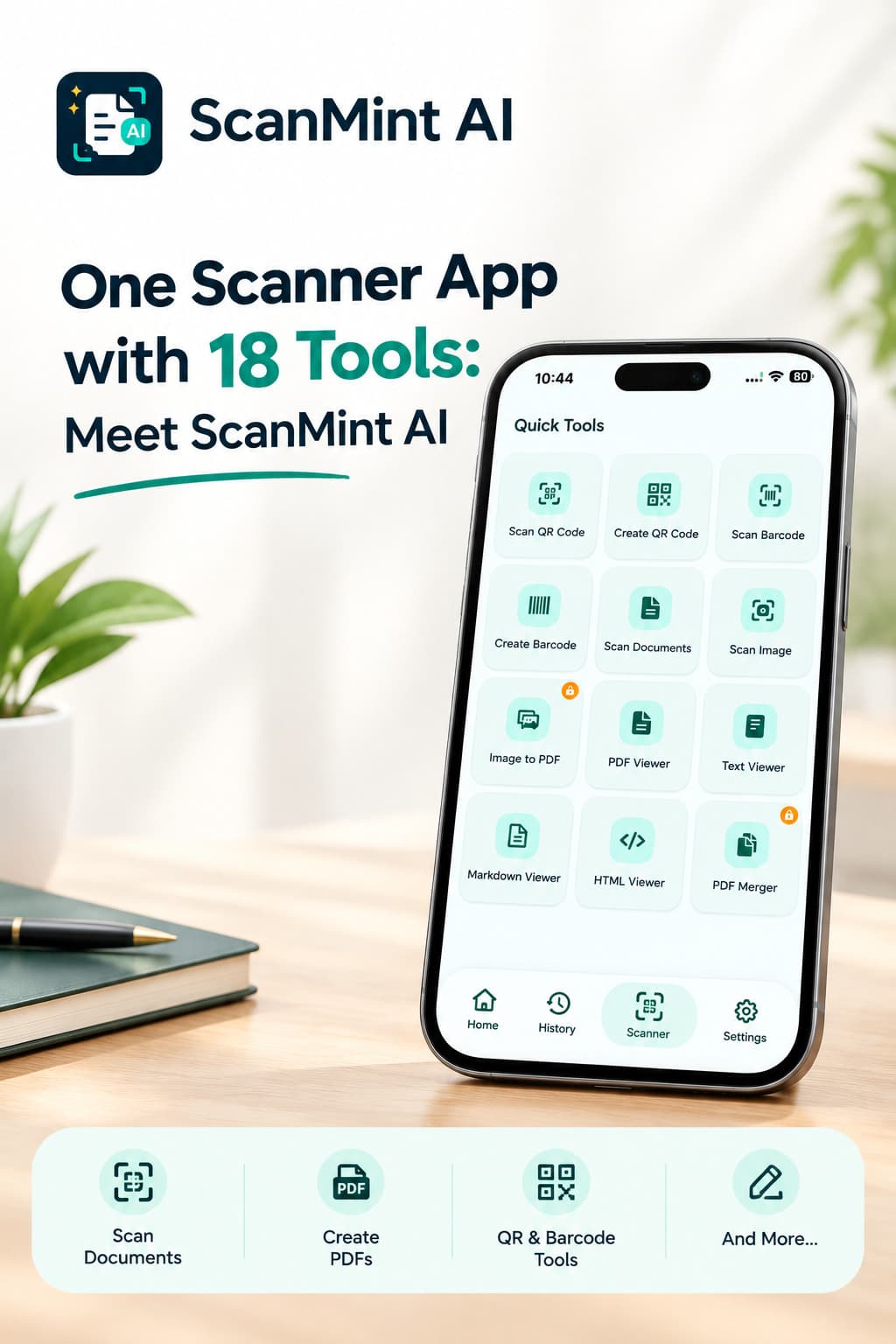
One App, 18 Tools: Meet ScanMint AICount the apps on your phone. Chances are you've got one for scanning, another for PDFs, a separate one for signatures, maybe a QR reader, and something for voice no
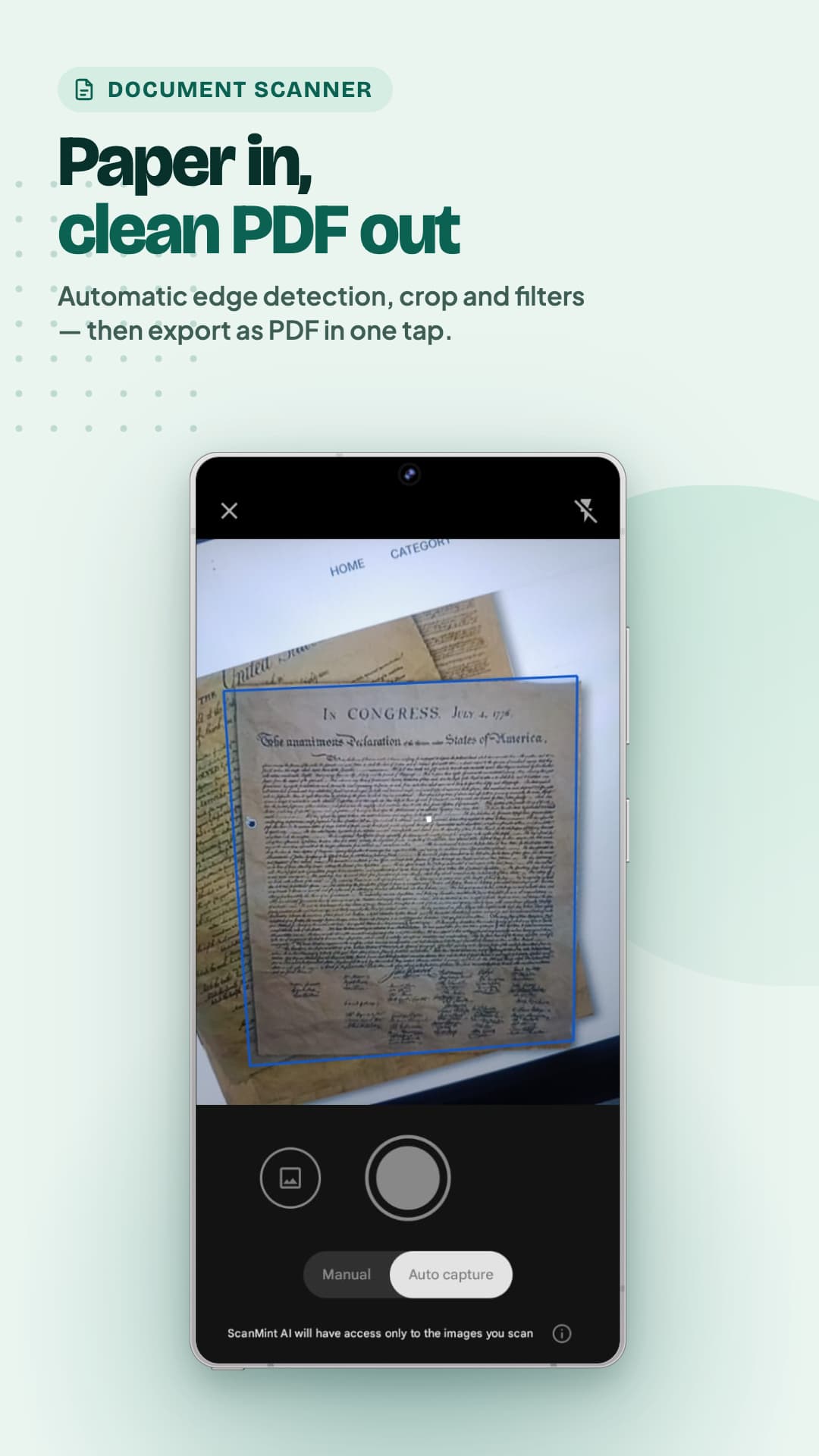
How to Scan Documents to PDF on Your Phone (2026 Guide)You don't need a bulky desktop scanner to go paperless anymore. If you want to scan documents to PDF on your phone, the camera already in your po
Capture, tidy and share documents in seconds — scan to PDF, sign without printing, and keep everything private on your device.
A step-by-step guide to capturing crisp, professional PDFs from paper using just your phone's camera.
Skip the printer. Draw or type your signature on your phone, pick a pen color and thickness, then save or share it as a PNG to add to any document.